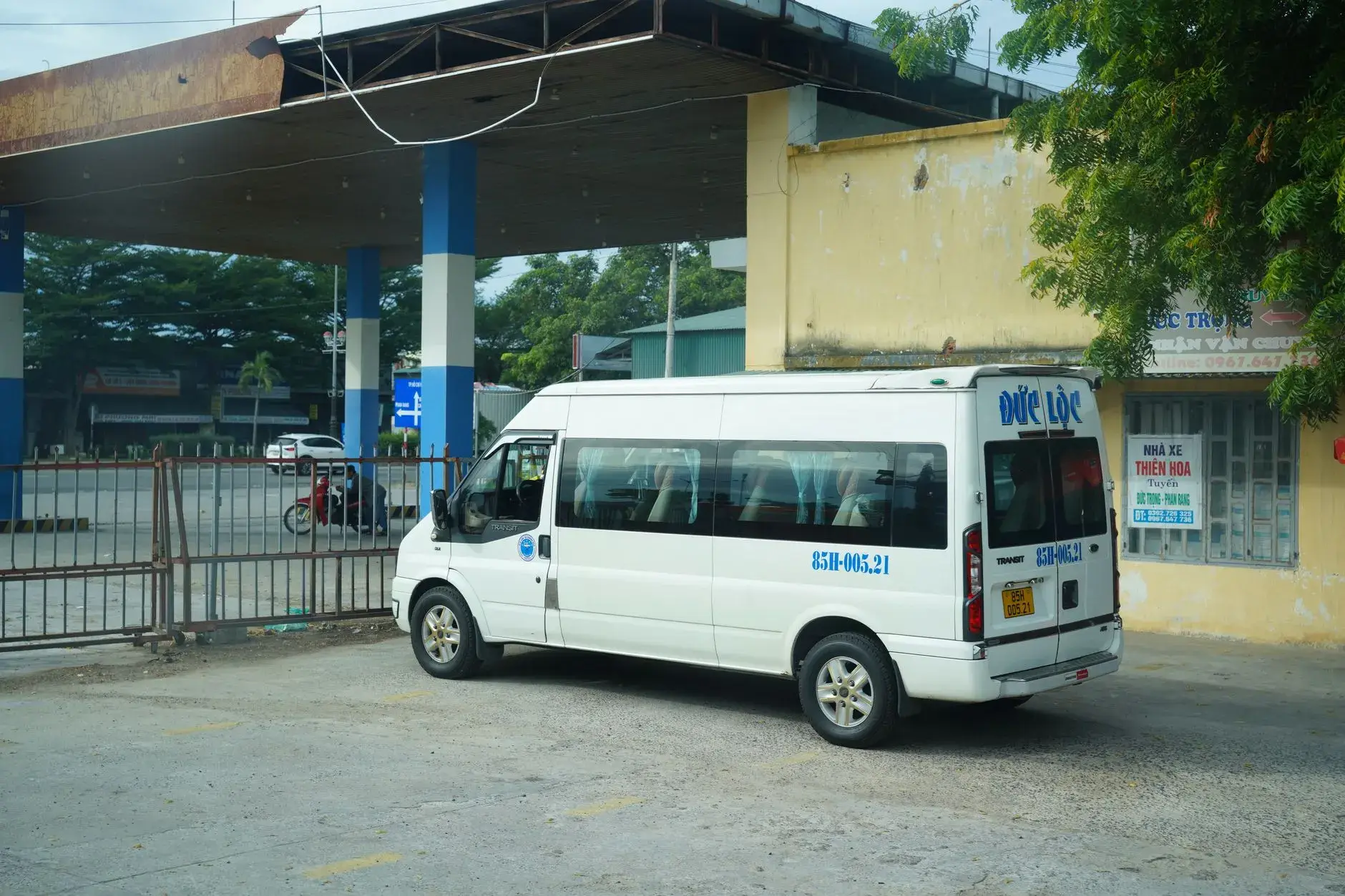
School and work shuttles
Know exactly when the shuttle reaches your stop
the bus puts your shuttle on a live map, wakes you with an alarm before it arrives and lets students confirm boarding in one tap. Drivers get a calm drive mode, operators a web panel that sets itself up.
- App Storecoming soon
- Google Playcoming soon

For families and riders
Stop guessing and stop waiting outside. Everything about today's ride is on the home screen.

Live map
Follow the vehicle on the map while the trip is running, with the route and your stops.
Arrival time
A live estimate for your stop, so you know when to leave the house.
Proximity alarms
Be notified a few minutes before the shuttle arrives or when it comes within a distance you choose.
Boarding confirmation
Students answer Yes or No in the notification and can undo a mis-tap; guardians are told when their child is on board.
Not riding today
Report an absence for today, tomorrow or several days with one tap, so the driver does not wait.
Home-screen widget
The next trip and its arrival time on your home screen, without opening the app.
For drivers and guides
Built for the driver's seat: large controls, few taps, and the phone stays in the holder.
Drive mode
A distraction-free screen with the next stop, the pickup list and big Start and End buttons.
Voice prompts
Spoken announcements for the next stop and riders who are not coming, so eyes stay on the road.
Quick messages
Send "Running late" or "Arrived" to every rider of the trip with one tap; operators can add their own texts.
Location is shared only while a trip the driver started is running, and it is visible the whole time: a notification on Android, the location indicator in the status bar on iOS.

For operators and schools
A web panel for individual drivers, shuttle companies, schools and employers.

Setup wizard
A checklist walks you from an empty account to the first trip: vehicles, routes, stops, riders and invites.
Invites
Import riders from a spreadsheet and share invite codes by WhatsApp, SMS or e-mail; see who has joined.
Today panel
Every trip of the day on one screen, updated live: who boarded, who is absent, which vehicle is late.
Routes and stops
Draw routes with address search and draggable stops, hand a route to a substitute driver for a day or a period.
How it works
The operator sets up routes
Add routes, stops, vehicles and drivers in the web panel, or import your rider list from a spreadsheet.
Riders join with a code
Each rider or parent gets an invite code or QR and joins the right route in the app.
Live tracking and boarding confirmation
Riders follow the vehicle live; the guide or driver marks who boarded and parents are informed.

Pricing
Simple for everyone involved.
Free download
The app is free on the App Store and Google Play. Drivers and guides use it at no cost.
Subscription per rider
Families or riders unlock live tracking and alarms with an in-app subscription for each rider. The price for your country is shown in the app before you buy.
Nothing upfront for operators
Operators set up their service in the web panel without an upfront fee and receive a monthly settlement of the subscriptions, after store fees and our commission.

Privacy first
No ads and no tracking. Data is hosted in the EU (Germany). Vehicle location is shared only during trips and deleted after 30 days. A child's data is managed by their guardian.
Read the privacy noticeFrequently asked questions
Who pays for the service?
Riders or parents subscribe in the app. Operators use the web panel with no upfront cost.
Do drivers need a special device?
No. Drivers use the same app on their own phone and share location only during a trip.
What if a student taps the wrong answer?
Every answer can be undone for a short time, and the guide's mark is the source of truth.
Does it work for workplace shuttles?
Yes. Adult riders join with their own code; no guardian is needed.
Is there a smartwatch app?
There is no separate watch app: notifications on the phone are mirrored to a paired Apple Watch or Wear OS watch.
Where is the data stored?
In the EU (Germany). Location history is deleted after 30 days.
Contact
Questions, a demo for your school or company, or help with the app: write to us.
- E-mail: the-bus@gumuslabs.com
- WhatsApp: +90 542 654 60 05
Get the app
- App Storecoming soon
- Google Playcoming soon